Articles
-
How to Access the Sound Generator on the Roland SP-404MKII
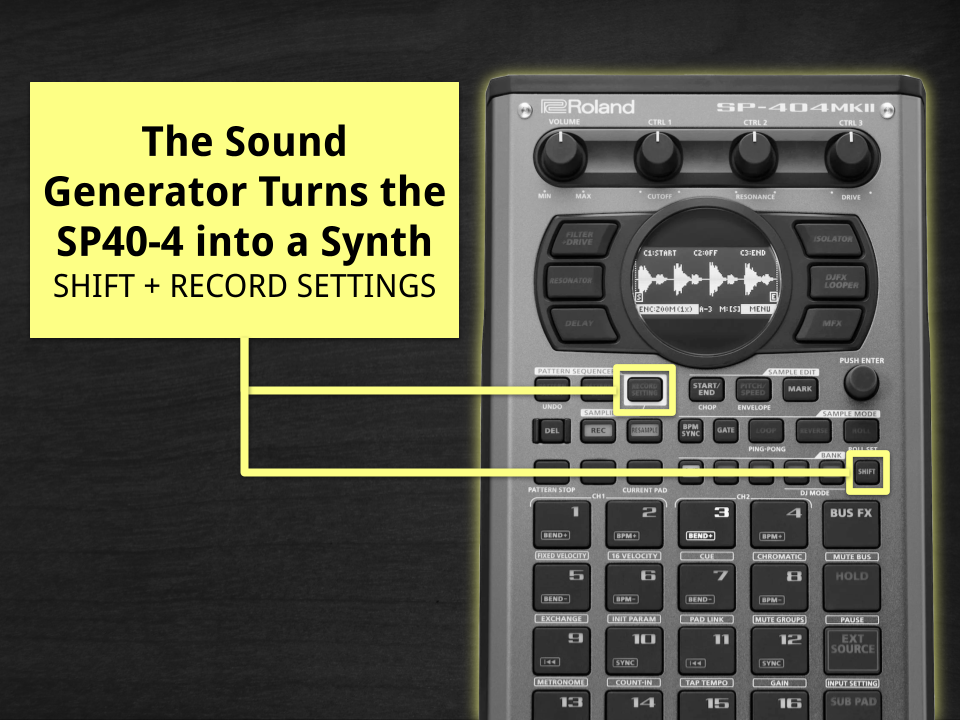
The SP-404MKII Sound Generator is a hidden-in-plain-sight feature that turns the 404 into a legit standalone synth. There’s no big “SYNTH” button on the faceplate, so the trick is knowing the shortcut. From the main sample screen, hold [SHIFT] and press [RECORD SETTING] and you’re instantly brought the Sound Generator, where you can design basses,…
-
How can I sync a loop to my project tempo without changing its pitch?
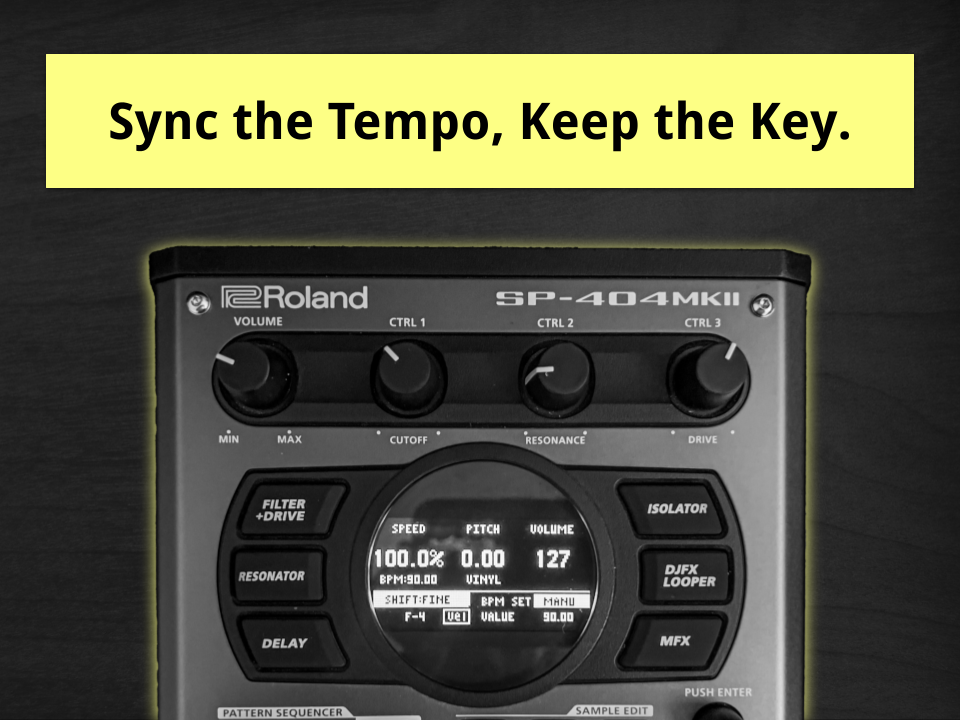
If you want to sync a loop to your project tempo on the Roland SP-404MKII without changing its pitch, the key is turning Vinyl mode OFF and making sure the loop’s original BPM is set correctly. Once you do that, the SP-404MKII’s time-stretching engine kicks in and adjusts playback speed while keeping the loop in…
-
How to Preview SD Card Samples on the Roland SP-404 mkII Before Importing
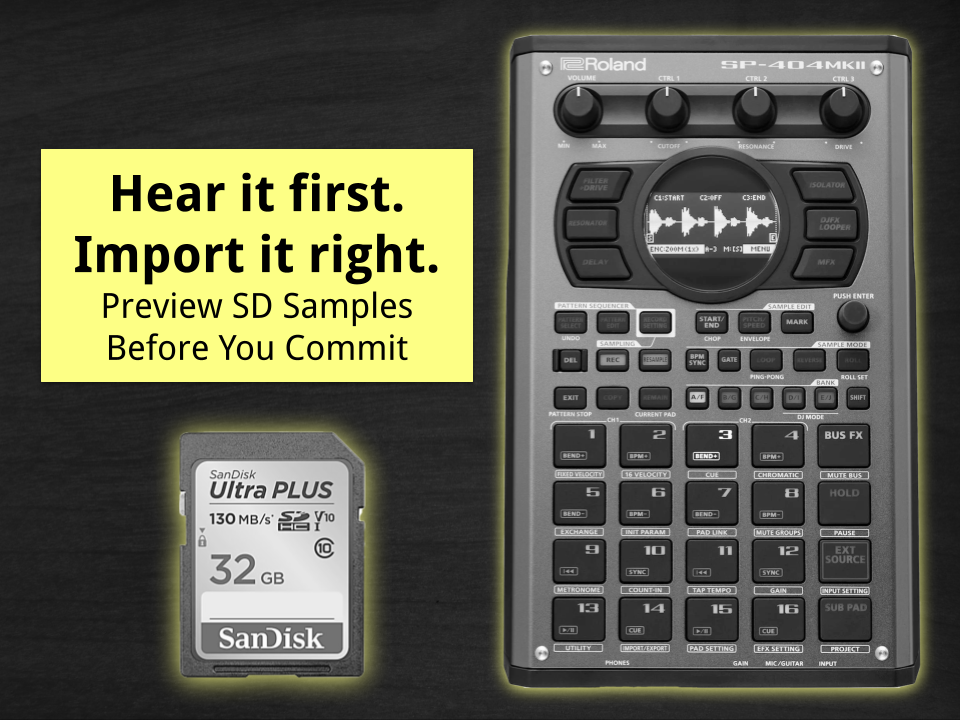
The Roland SP-404 mkII lets you hear (audition) samples stored on your SD card before committing them to a pad. You can preview audio files directly inside the IMPORT menu by scrolling through files using the [VALUE] knob or re-triggering playback manually with the [SUB PAD] button. This lets you confirm a sound before importing…
-
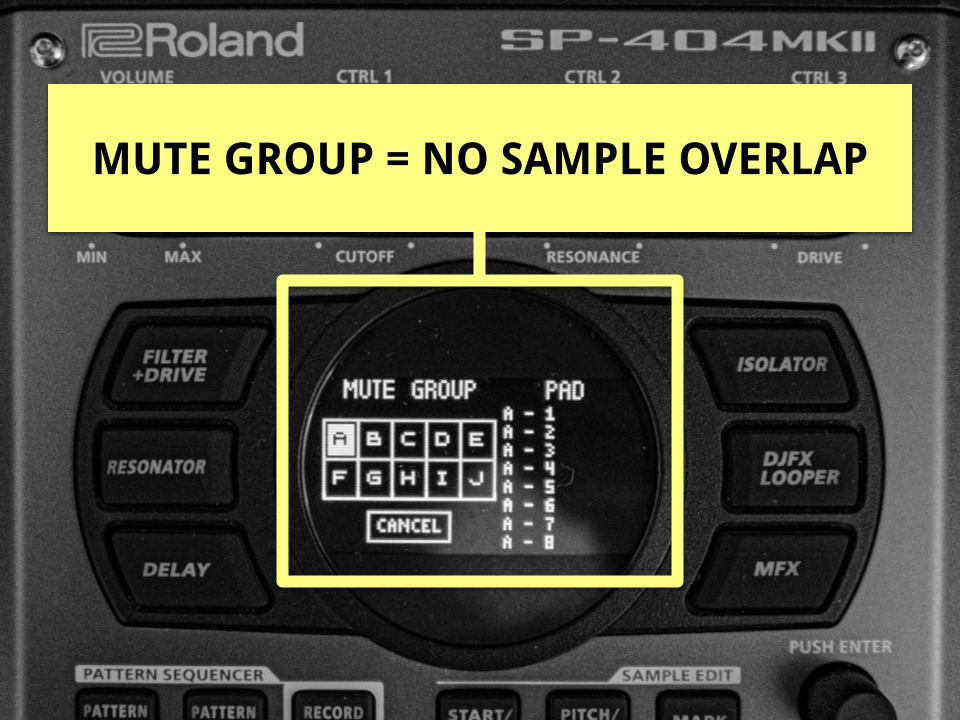
Stop the Chaos: How to Prevent Overlapping Samples on the SP-404 MKII Using Mute Groups
How to Stop Overlapping Long Samples on the Roland SP-404 MKII If samples or loops on your SP-404 mkII keep playing over each other, the fix is simple: assign them to a Mute Group (aka Choke Group). Pads in the same group become mutually exclusive. That means when one starts, the others stop immediately, preventing…
-
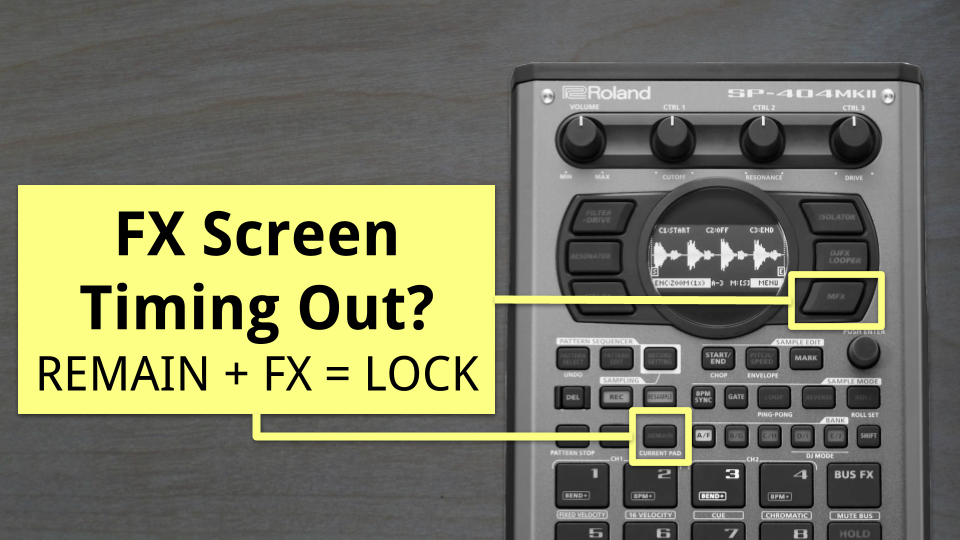
SP-404 MKII Effect Parameters Disappear Too Fast? Here’s How to Lock the FX Screen
Why FX Parameters Vanish Too Fast on the SP-404 MKII The Roland SP-404 MKII sampler automatically returns to the main display after a few seconds of knob inactivity. This prevents menus from getting stuck during live performance. To adjust effect parameters at your own pace, you can lock the effect edit screen so the parameters…
-
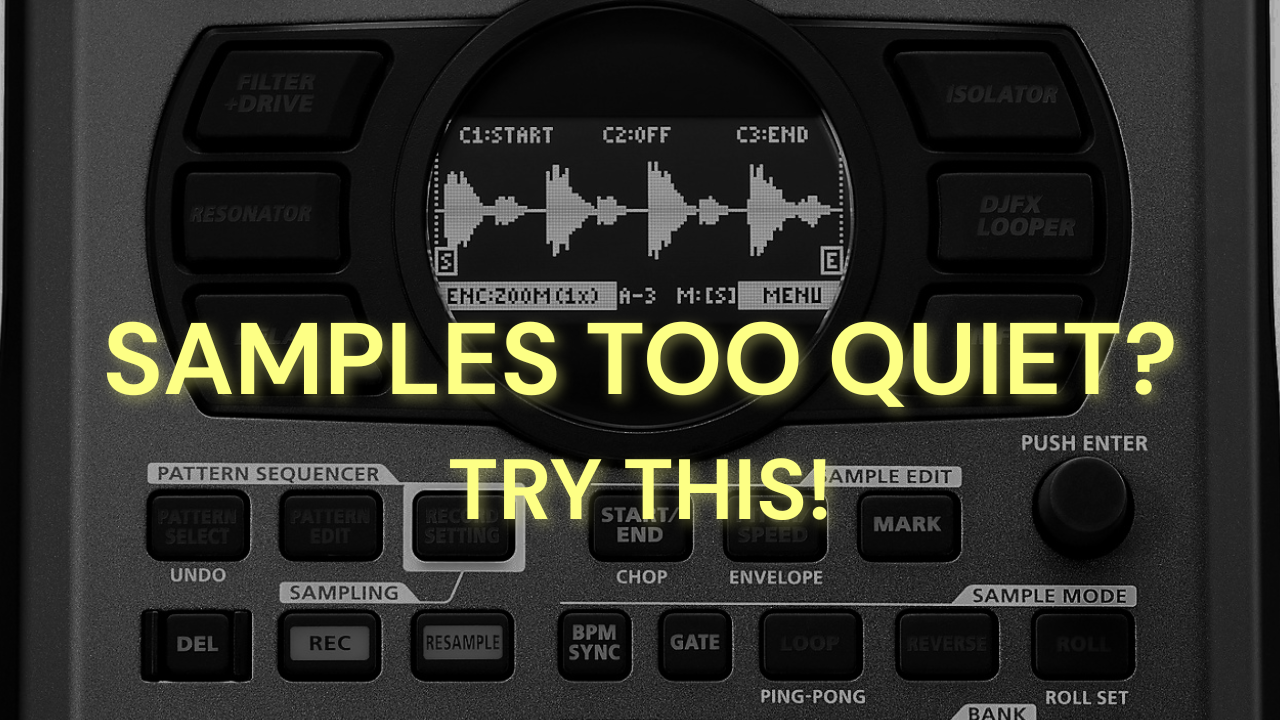
Why are my recorded samples much quieter than the original source I sampled from?
Direct Answer: This usually happens because the SP-404 mkII is designed with extra internal headroom to prevent distortion when you stack effects and layer sounds. You can fix it by: Practical steps to fix quiet samples Why this happens The SP-404 mkII keeps extra headroom so you can run multiple bus effects and layer samples…
-
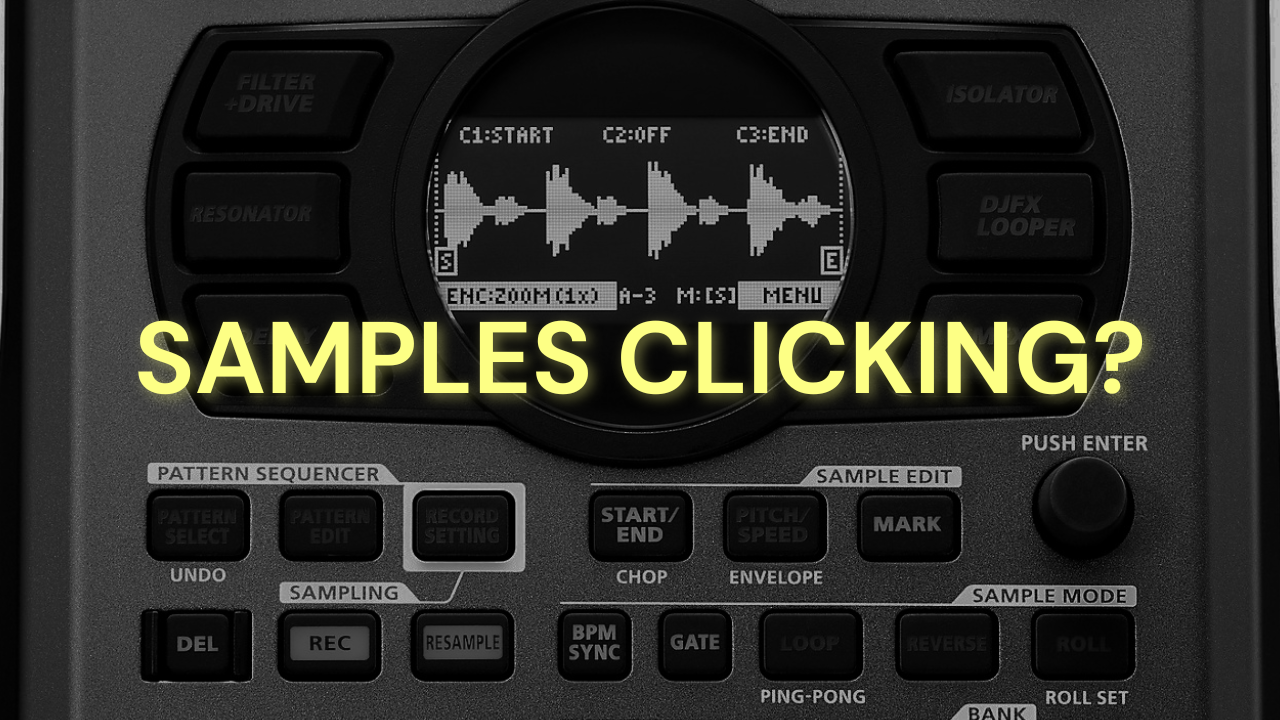
Why do my samples click or pop at the start or end when I trigger them on the SP-404 mkII?
Direct Answer Clicks and pops happen when a sample is chopped in the middle of a waveform cycle instead of at silence. The fastest fixes are using Snap to Zero-Cross or adding a micro volume envelope (Attack/Release fade) to smooth the transition. Practical Steps to Fix the Click Why This Happens The click is caused…