Category: Sample Management
-
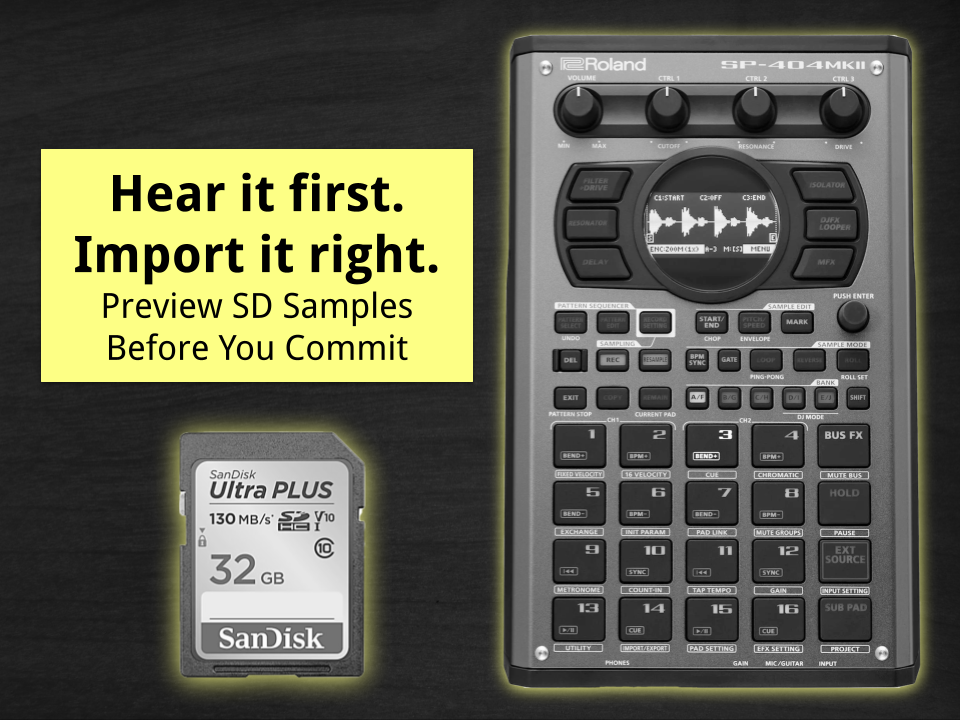
How to Preview SD Card Samples on the Roland SP-404 mkII Before Importing
The Roland SP-404 mkII lets you hear (audition) samples stored on your SD card before committing them to a pad. You can preview audio files directly inside the IMPORT menu by scrolling through files using the [VALUE] knob or re-triggering playback manually with the [SUB PAD] button. This lets you confirm a sound before importing…
-
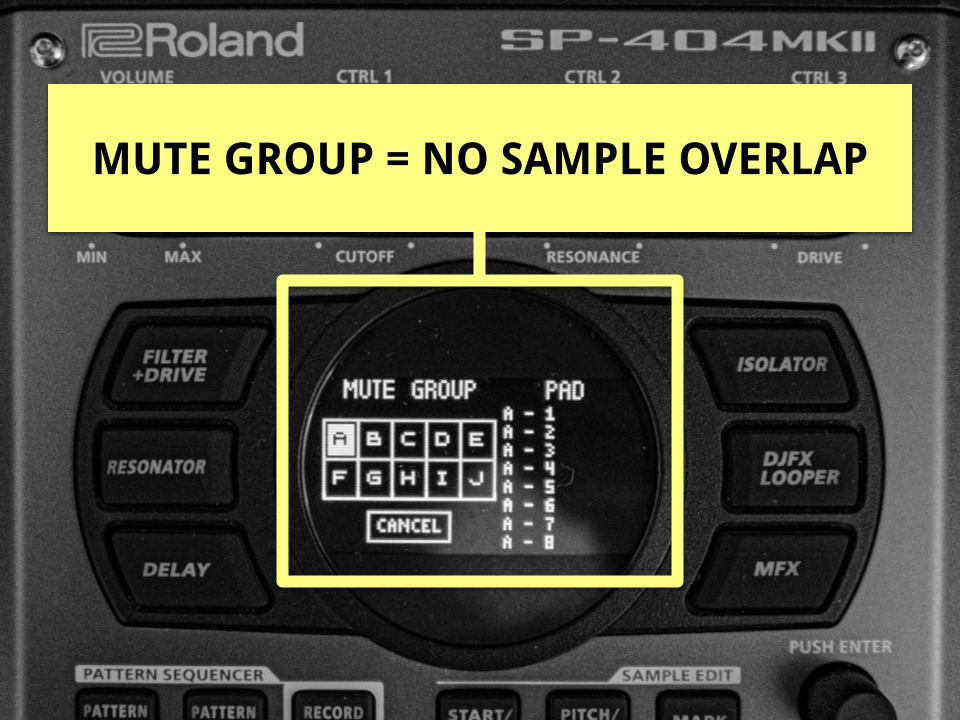
Stop the Chaos: How to Prevent Overlapping Samples on the SP-404 MKII Using Mute Groups
How to Stop Overlapping Long Samples on the Roland SP-404 MKII If samples or loops on your SP-404 mkII keep playing over each other, the fix is simple: assign them to a Mute Group (aka Choke Group). Pads in the same group become mutually exclusive. That means when one starts, the others stop immediately, preventing…