Tag: error messages
-
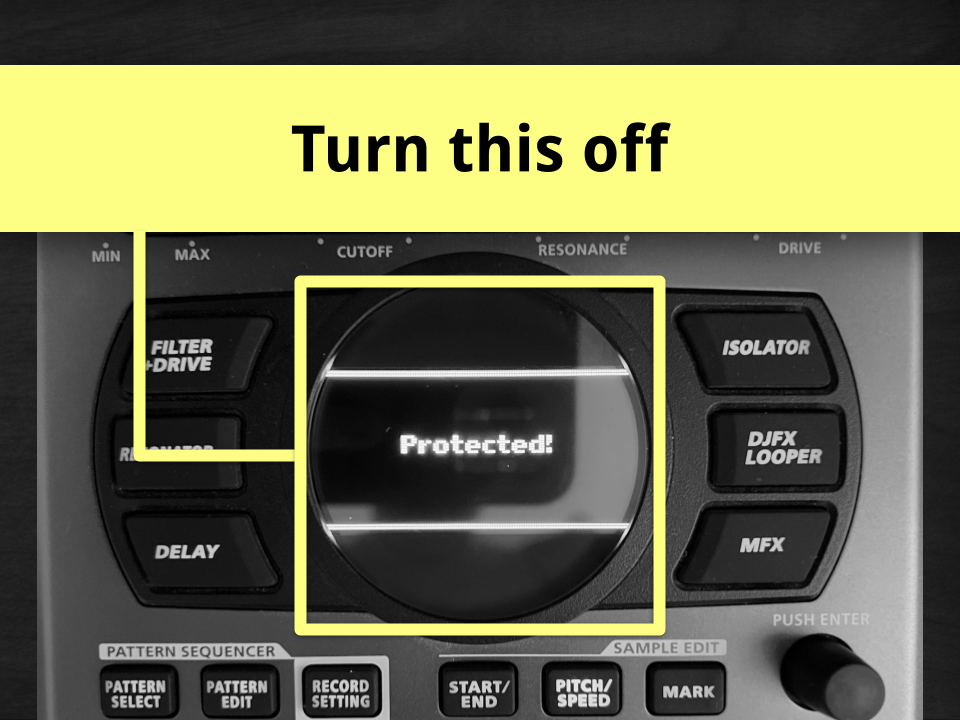
Why does the SP-404MKII say “Protected!” when I try to edit or delete a pad?
If you’re seeing a “Protected!” message on the SP-404MKII, it usually means Bank Protect is turned on for the bank you’re working in. When Bank Protect is active, the SP-404MKII will not let you copy, edit, overwrite, or delete any pads in that bank. That includes samples and patterns. Nothing is broken. The bank is…